
Smart WhatsApp Automation Service to Save Time and Sell 24x7
Every day, your team sends the same messages again and again: order confirmations, payment reminders, appointment alerts, and follow-ups. It takes time, and when things get busy, messages get missed. WhatsApp automation fixes this.
With RichSol's WhatsApp automation service, your business sends the right message to the right customer at the right time, automatically. Your systems do the routine work, and your team focuses on what really matters: selling and serving customers.
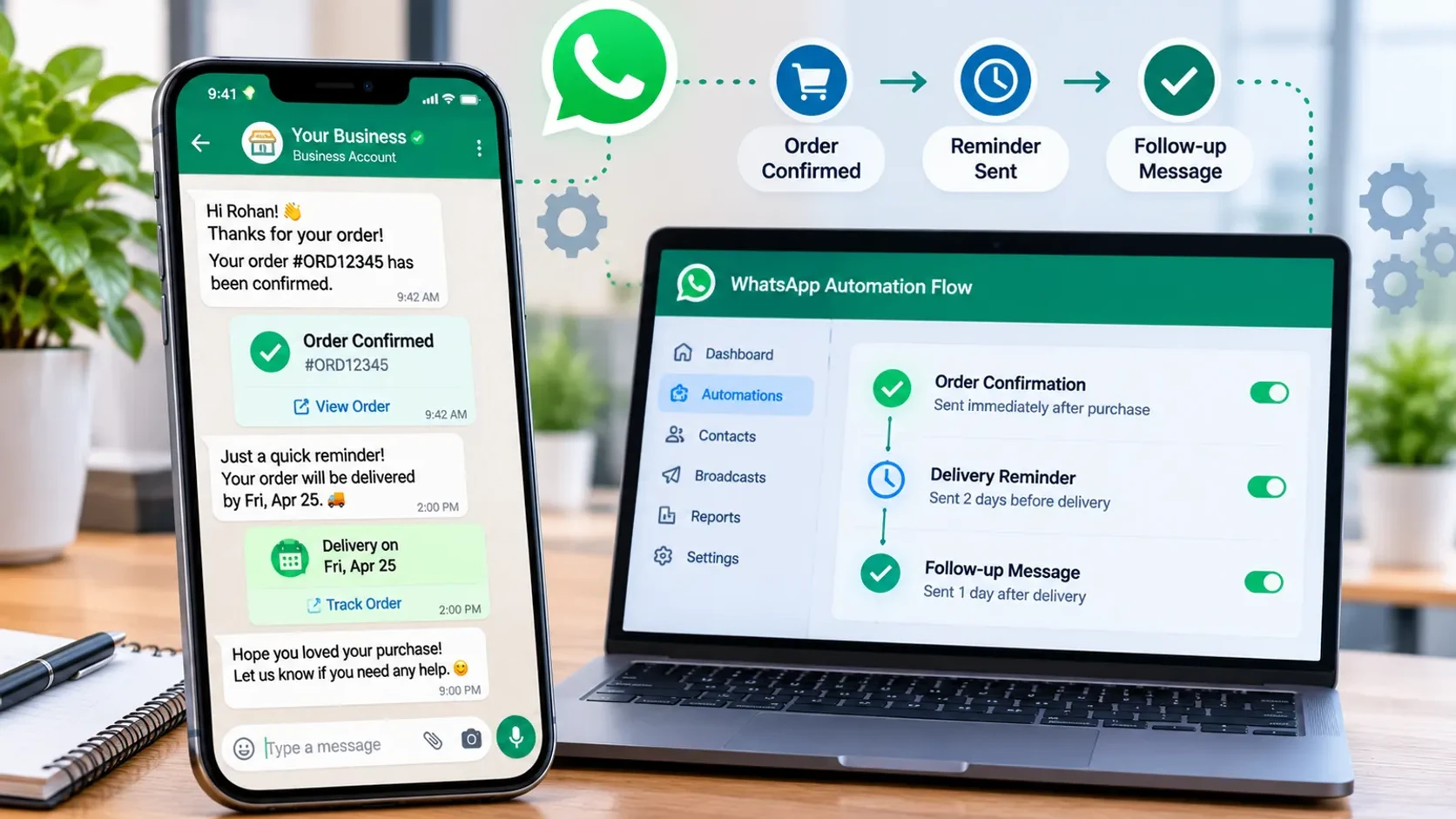
What Is WhatsApp Automation?
WhatsApp automation means sending and replying to WhatsApp messages automatically based on rules, events, or customer actions. For example, when a customer places an order on your website, a confirmation message is sent on WhatsApp instantly. When a payment is due tomorrow, a reminder goes out on its own.
It works on the official WhatsApp Business API and connects with your website, CRM, billing software, or e-commerce store through APIs and webhooks. Every message is triggered by an event, so there is no manual sending.
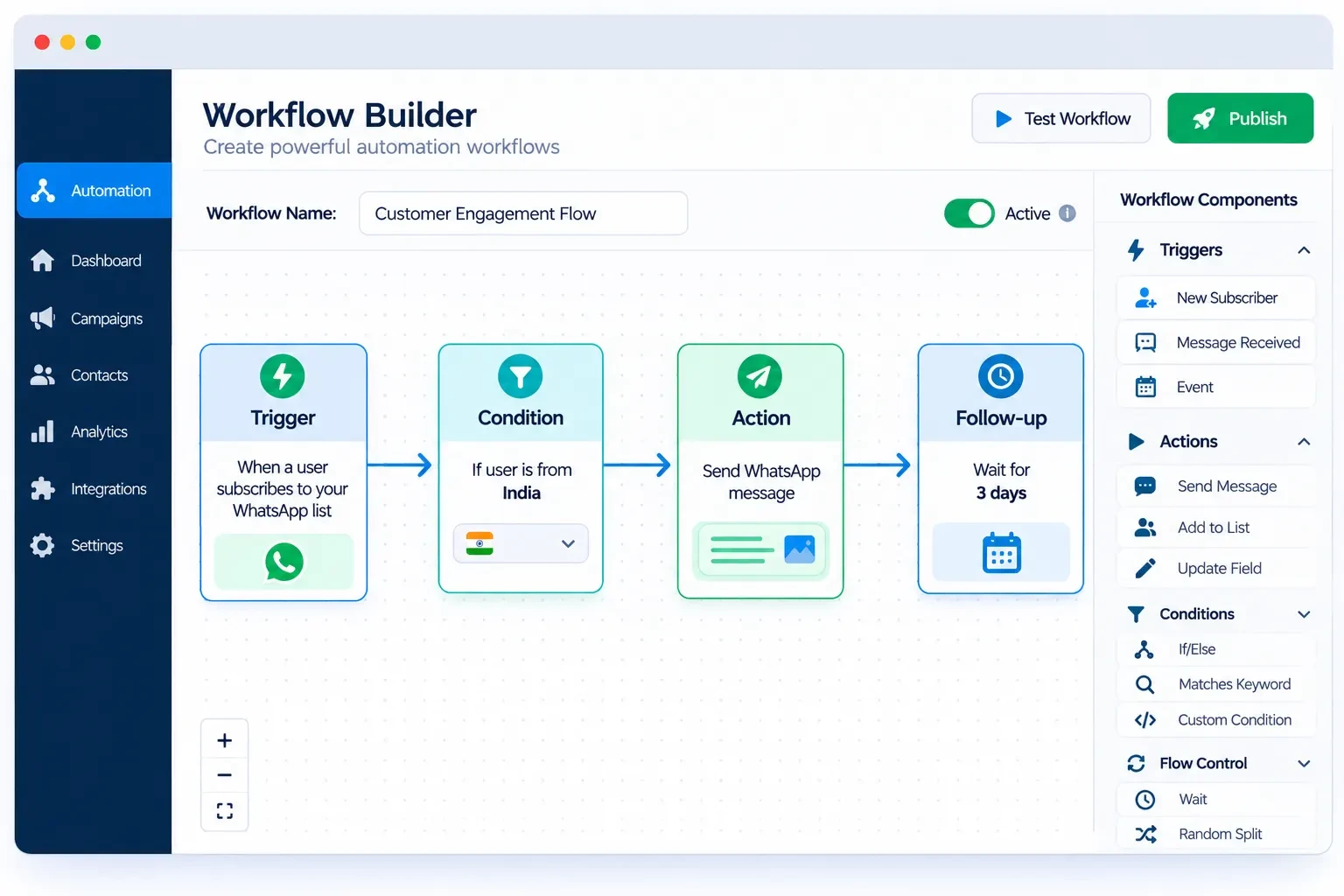
How WhatsApp Automation Works
Trigger
Something happens, such as a new order, a form fill, a missed payment, or a customer message.
Condition
The system checks rules, such as customer type, order value, location, or time.
Action
The right WhatsApp message is sent automatically, with the customer's name, order details, or payment link.
Follow-up
If the customer replies, clicks, or ignores the message, the next step of the workflow runs.
Update
Your CRM or sheet is updated with the result, and your team is alerted if needed.
What Can You Automate on WhatsApp?
| Automation | What It Does | Best For |
|---|---|---|
| Welcome messages | Greets new leads and customers instantly | All businesses |
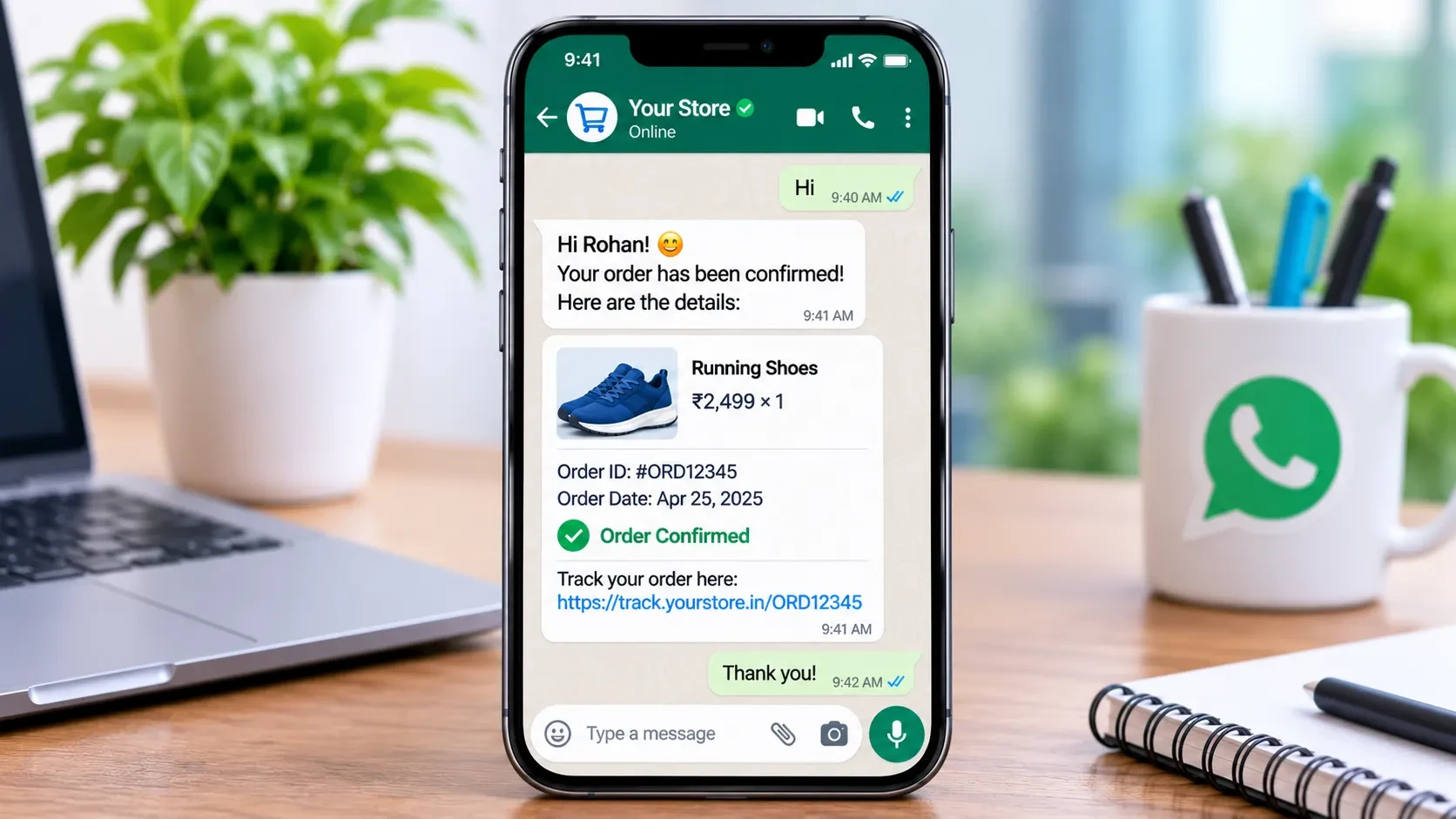
| Order and shipping updates | Sends order confirmation, dispatch, and delivery alerts | E-commerce and retail |
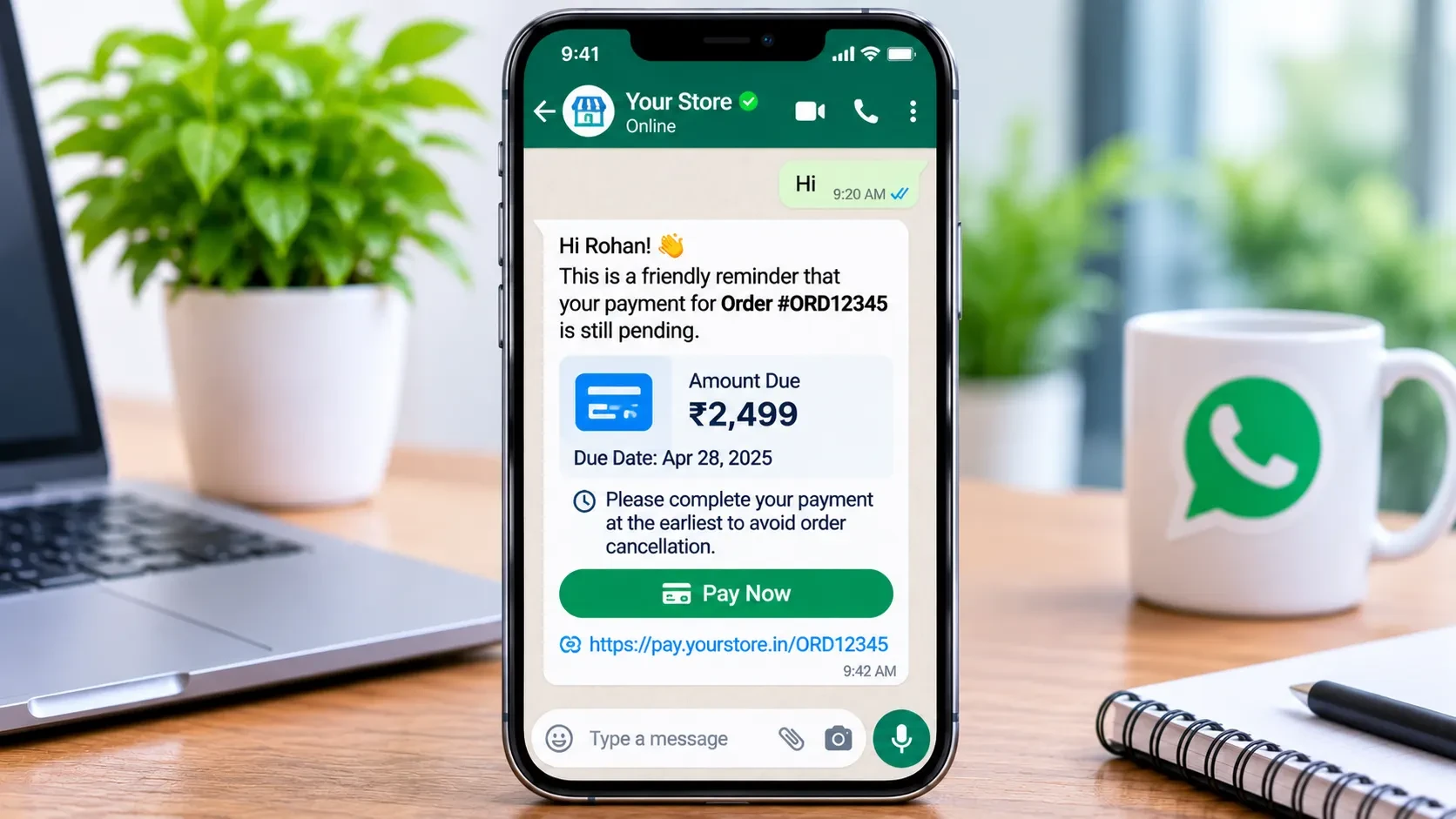
| Payment reminders | Sends due-date reminders with payment links | Finance, education, B2B, utilities |
| Appointment reminders | Confirms bookings and reduces no-shows | Clinics, salons, consultants |
| OTP and verification | Sends secure login and transaction codes | Apps, fintech, portals |
| Lead follow-ups | Follows up with enquiries until they convert | Real estate, education, services |
| Abandoned cart recovery | Reminds shoppers about items left in the cart | Online stores |
| Feedback and reviews | Collects ratings after a purchase or service | All businesses |
| Renewal alerts | Reminds customers about policy, plan or AMC renewals | Insurance, SaaS, service businesses |
| Internal alerts | Notifies staff about new leads, orders, or issues | Sales and operations teams |
Integrations We Support
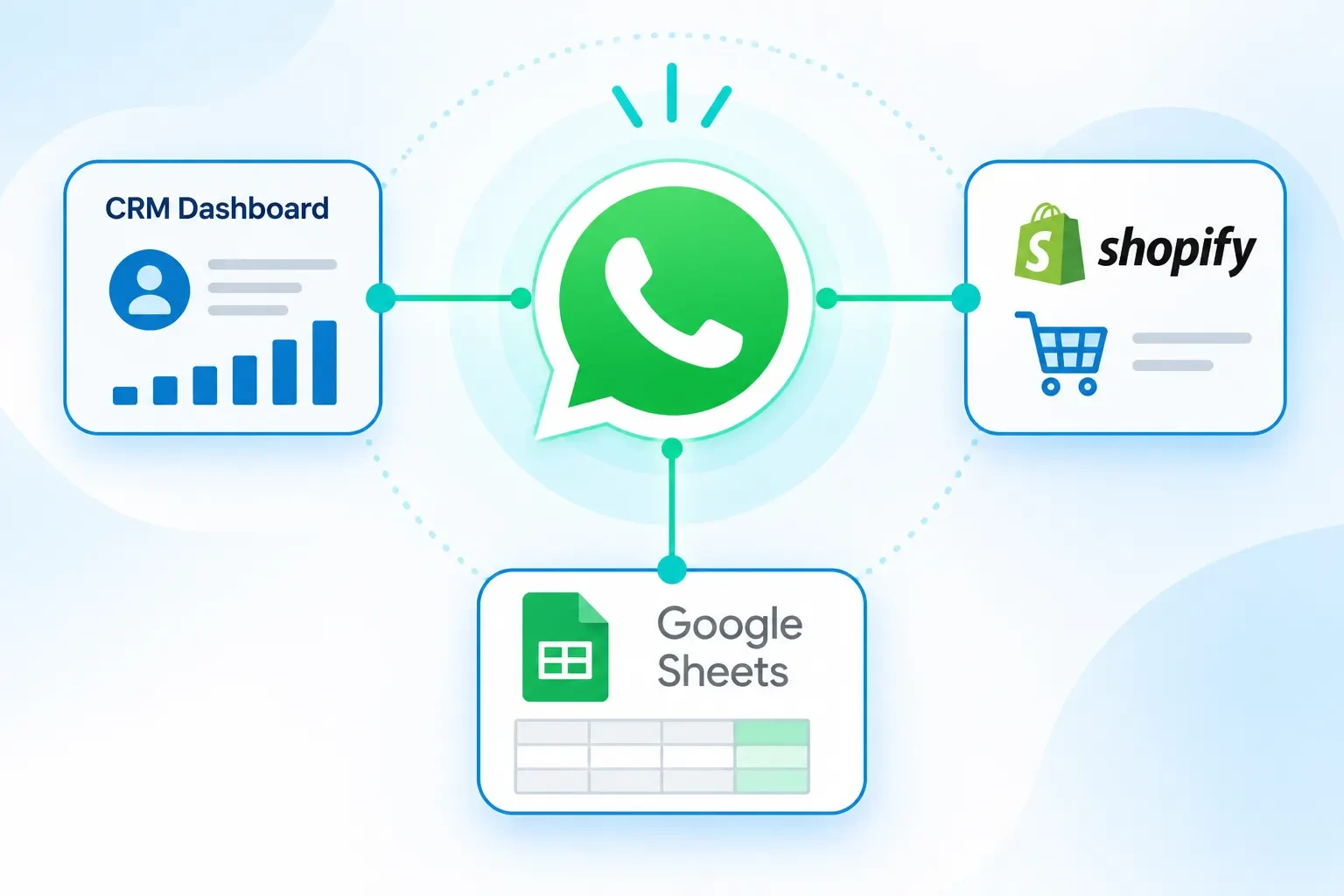
Our developers connect WhatsApp automation with the tools you already use, so data flows without manual work:
E-commerce
Shopify, WooCommerce, Magento, and custom online stores
CRM
Zoho CRM, HubSpot, Salesforce, LeadSquared, and custom CRMs
Sheets and forms
Google Sheets, Google Forms, and website forms
Payments
Razorpay, PayU, and other payment gateways for payment links
Billing and ERP
Tally-based systems and custom ERP via API
Custom software
Any system with REST API or webhook support
Benefits of WhatsApp Automation
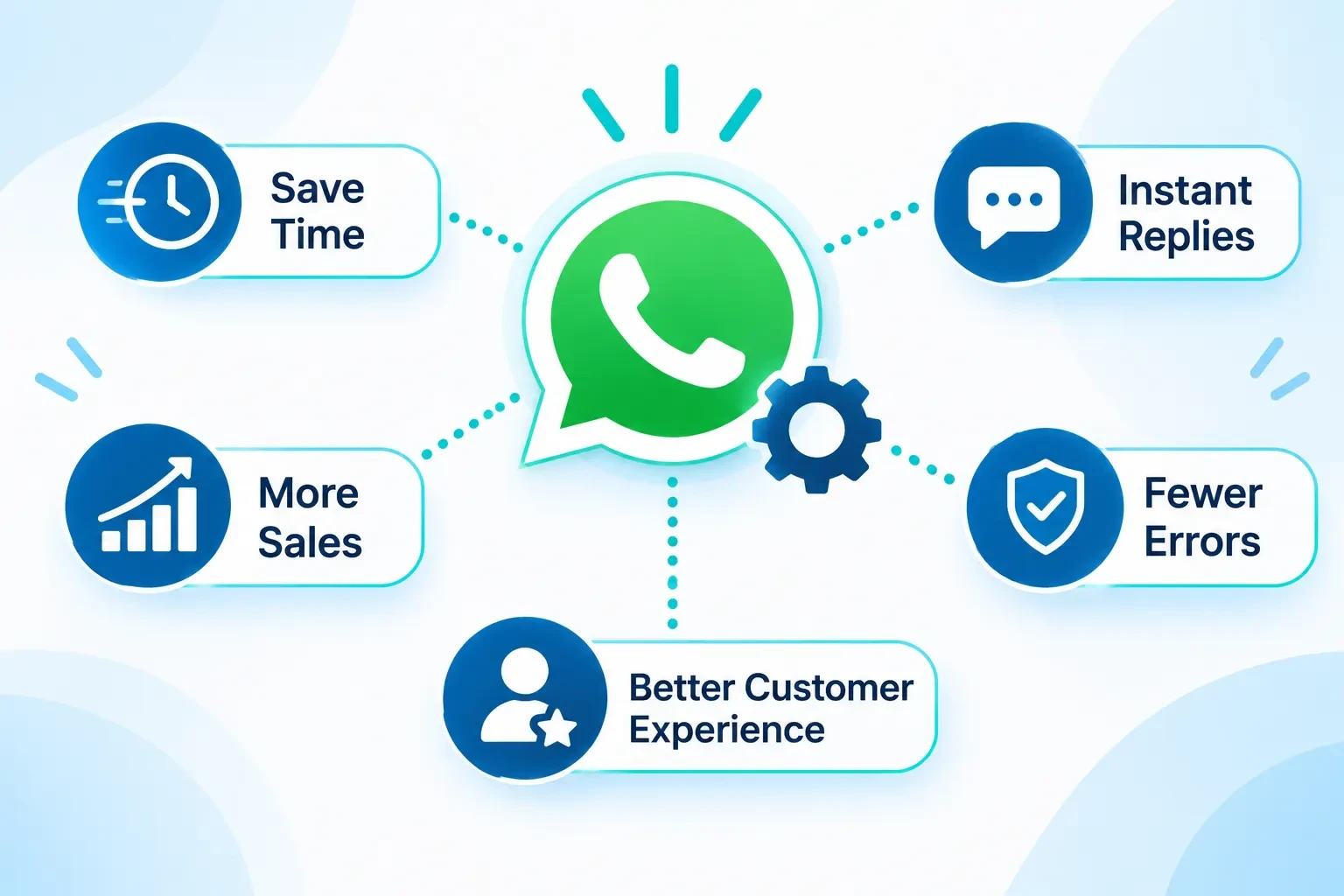
Save hours every day
No more copy-pasting the same messages.
Instant response
Customers get updates and replies in seconds, even at night.
Fewer missed payments and no-shows
Timely reminders improve collections and attendance.
More sales
Automated follow-ups and cart recovery bring back lost revenue.
Fewer errors
Data comes straight from your system, so details are always correct.
Better customer experience
Customers stay informed at every step.
Easy to scale
Handle 100 or 1,00,000 customers with the same team.
Our WhatsApp Automation Process
Requirement mapping
We list your daily repetitive messages and customer journeys.
Workflow design
We design triggers, conditions, and message flows.
Template approval
We write and submit utility and marketing templates to Meta.
Integration
Our developers connect WhatsApp with your website, CRM, or software.
Testing
Every workflow is tested end to end before going live.
Go-live and monitoring
We launch, monitor delivery, and fine-tune the flows.
Real-World WhatsApp Automation Examples
Coaching Institute
A student fills an enquiry form. Within seconds, WhatsApp sends a course brochure. The next day, a demo class invite goes out. Before each instalment, an automatic fee reminder with a payment link is sent.
Online Store
A customer places an order. WhatsApp sends the confirmation, dispatch details with a tracking link, and a delivery message. Three days later, a review request goes out automatically.
Clinic or Hospital
A patient books an appointment. WhatsApp sends a confirmation, a reminder one day before, and a follow-up message after the visit with report details.
Why Choose RichSol for WhatsApp Automation?
17+ years in business communication and digital automation
In-house software and API integration team
Official WhatsApp Business API, with policy-safe templates
Custom workflows built around your business, not one-size-fits-all
Combined automation across WhatsApp, SMS, IVR, and Email
Ongoing support and optimisation from our Nashik team
Stop Sending the Same Messages by Hand
Let RichSol automate your WhatsApp communication. Book a free demo today.
Frequently Asked Questions
It is the process of sending WhatsApp messages automatically when certain events happen, such as a new order, a due payment, or a form submission.
Yes. Reliable, large-scale automation works on the official WhatsApp Business API. RichSol helps you set it up.
Yes. We integrate WhatsApp with popular CRMs and custom software using APIs and webhooks.
Yes, when it runs on the official API with approved templates and opted-in customers.
Yes. Auto-replies and chatbots can answer common questions instantly and transfer complex chats to your team.
Simple workflows can go live in a few days. Complex integrations take longer, depending on your systems.