
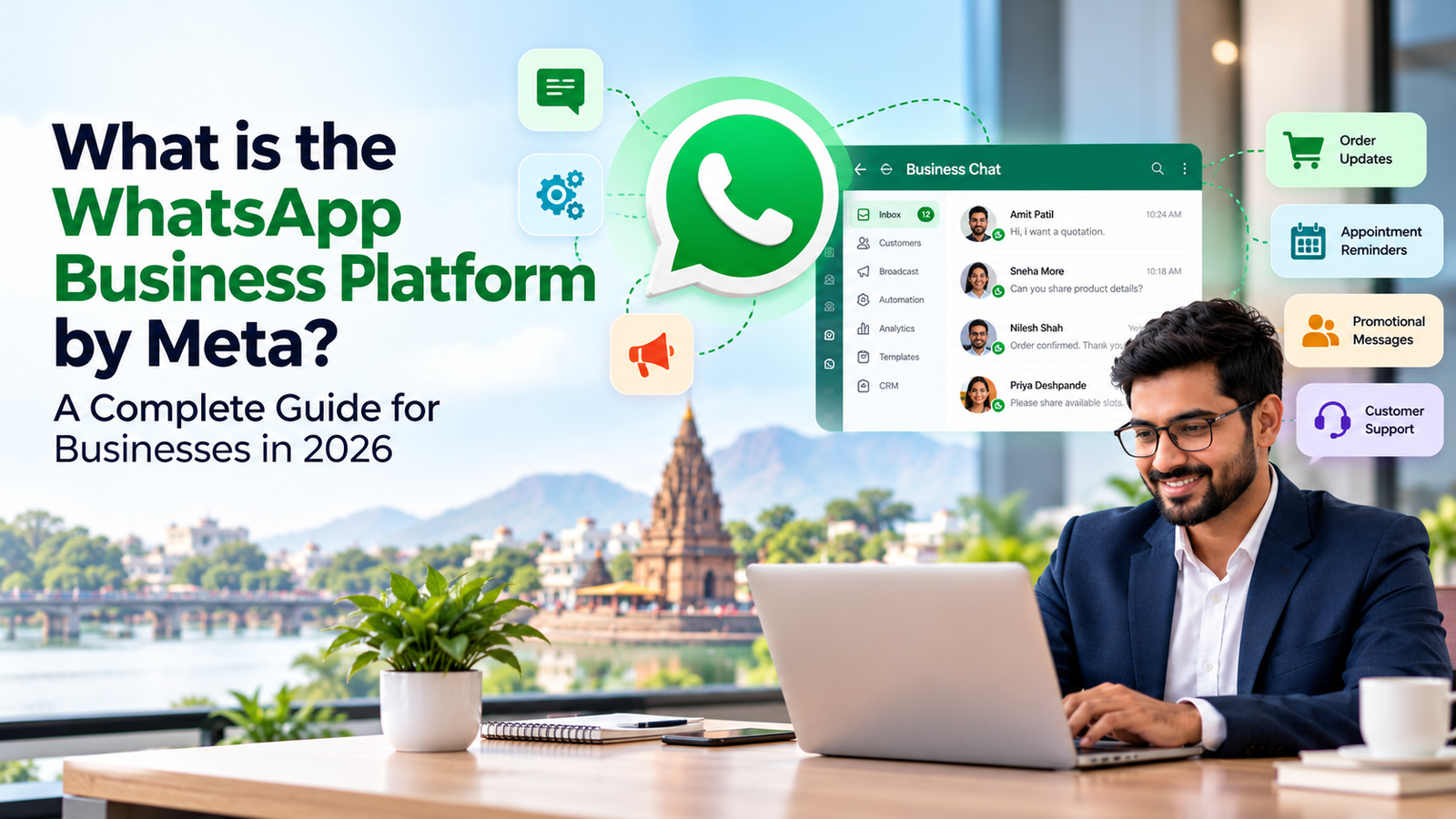
What Is the WhatsApp Business Platform by Meta? A Complete Guide for Businesses in 2026
If your team answers customers from a shared phone, loses leads in personal chats, or cannot send an order update without copying numbers by hand, you have probably outgrown the free WhatsApp Business app.
The next step is the WhatsApp Business Platform.
Short answer: the WhatsApp Business Platform is Meta’s official system for businesses that need multiple agents, automation, system integrations and large-scale messaging on WhatsApp. It is the product many people still call the “WhatsApp Business API”. It is paid, it is reached through an approved provider, and it follows strict messaging rules. Meta rebranded the API as the Business Platform in 2022, and access is through a Meta-approved Business Solution Provider (BSP).
This guide covers what it is, how it differs from the app, how pricing works after Meta’s 2025 change, the rules to know, and how to choose a provider, including in Nashik.
Not sure which option fits? Explore our WhatsApp Business API service to see what setup covers, or keep reading for the full picture.
What is the WhatsApp Business Platform?
It lets a business connect WhatsApp to its own software: CRM, website, order system, helpdesk or chatbot. Your team works in a shared inbox or your existing tools instead of one phone. Messages are sent and received through Meta’s infrastructure.
The terms people mix up:
• WhatsApp Business Platform: the current official name for the whole offering.
• WhatsApp Business API: the older name, still widely searched.
• Cloud API: the Meta-hosted version. The older on-premises version is being phased out.
• BSP / provider: the company that gives you onboarding, a dashboard, support and integrations on top of Meta’s API.
The platform alone does not give you a ready-made inbox, chatbot or campaign tool. Those come from your provider’s software or from custom development.
WhatsApp Business App vs WhatsApp Business Platform
Meta’s free app is aimed at small teams of up to about five people. The Platform is built for scale.
Business App | Business Platform | |
Cost | Free | Meta message charges plus provider fees |
Team access | One phone, a few linked devices | Many agents on a shared inbox |
Automation and chatbot | Basic quick replies | Full workflows and chatbots |
CRM and software integration | No | Yes |
Bulk and campaign messaging | Limited broadcast | Template-based campaigns with analytics |
Setup | Self-service | Through a provider, with Meta approvals |
Stay on the app if one or two people handle chats and you rarely message customers first. Move to the Platform if several people share chats, leads slip through, you need order or appointment notifications, or you want WhatsApp inside your CRM.
Unsure where you fall? Discuss your requirements with our team. We will tell you plainly whether the app is still enough.
What businesses use it for
• Manufacturers and distributors: quotation follow-ups, dealer enquiries, order and dispatch updates, catalogue sharing.
• Clinics and hospitals: appointment confirmations, reminders and report-ready notices.
• Colleges and coaching institutes: admission enquiries, fee reminders and parent updates.
• E-commerce and retail: order confirmations, delivery updates, abandoned-cart follow-ups and support.
• SMEs and B2B firms: lead capture from ads and websites, instant first replies and structured follow-up.
How WhatsApp Business Platform pricing works in 2026
There is no single price, because you pay three separate things.
1. Meta’s per-message charges. Since July 2025, Meta charges per delivered marketing template, per delivered authentication template, and per utility template delivered outside a customer service window. Utility templates sent inside an open customer service window are free, and utility and authentication messages can get lower rates at higher volumes. Rates depend on category and the recipient’s country, and Meta revises its rate card periodically. Always check Meta’s current rate card before budgeting.
2. Provider fees. These may be a subscription, a per-message markup, or both. Over time a small markup can matter more than the subscription.
3. Setup and build. Account setup, template approvals, chatbot flows and CRM or ERP integration are often one-time work.
Worked example. If you send one marketing template and then two utility templates, that is three charges. If the two utility templates go out while a service window is open, you pay for the marketing message only. Message category and timing therefore affect cost as much as volume.
Ways to keep costs sensible:
• Classify messages honestly. Meta reviews categories, so a promotion filed as utility can be rejected.
• Reply inside the service window where possible.
• Message people who actually want to hear from you.
• Ask providers whether Meta’s charges are passed through at cost.
Rules to understand before you start
• Opt-in: you need permission given in context, such as a checkbox at checkout, with clear wording that messages will come via WhatsApp.
• Templates and the 24-hour window: you can reply freely within 24 hours of a customer’s last message. Outside that window you may only send approved templates, and Meta can review or reject templates.
• Automation needs a way out: automated replies are allowed, but customers must have a prompt, clear path to a human.
• AI chatbots: since 15 January 2026, general-purpose AI assistants are barred when they are the core product. Customer-service bots that track orders or book appointments are still fine. Keep your chatbot focused on your business.
Signs your business should upgrade
• Customers wait because only one phone is monitored.
• Enquiries from ads and your website are not reaching sales quickly.
• You send the same order, appointment or fee messages by hand every day.
• You want WhatsApp data in your CRM.
• Staff use personal numbers, which is a continuity and control risk.
How to choose a WhatsApp Business API provider in Nashik
A provider does not have to be local, since the platform is cloud-based. A Nashik partner is useful for in-person requirement workshops, same-time-zone support and team training.
Evaluate:
1. Official status. Ask for proof they are an approved Meta BSP or Tech Provider, not a reseller of a grey-market route.
2. Cost transparency. Is Meta’s charge shown separately? What is the markup and the minimum commitment?
3. Template support. Who writes, categorises and resubmits rejected templates?
4. Inbox and automation. Multi-agent routing, chatbot handover, working hours and tags.
5. Integrations. Your CRM, ERP, website or Google Sheets, and who builds them.
6. Ownership. You should own the number and business account, and be able to move providers.
7. Support. Hours, response times and escalation.
Common mistakes:
• Choosing the cheapest per-message price without checking setup and markup.
• Buying from a “bulk WhatsApp” tool that does not use the official platform and risks bans.
• Launching without an opt-in process.
• Building a bot with no human handover.
Questions to ask before you buy:
• Is the account in my business’s name?
• What exactly is in the setup fee, and what recurs monthly?
• How are rejected templates handled?
• What happens to my chat history and number if I leave?
How RichSol approaches setup
RichSol is a Nashik-based IT and digital marketing company, operating since 2009, with an office in Tilakwadi. Our WhatsApp API setup follows five steps:
1. Consultation: map your use cases, whether marketing, alerts or support.
2. Account setup: register and verify your WhatsApp Business API account.
3. Template approval: create templates and submit them for Meta approval.
4. Automation build: set up chatbots, auto-replies and CRM workflows.
5. Launch and support: go live, then monitor and optimise.
Our WhatsApp Business API provider in Nashik page has local details. If chat automation is your priority, see our WhatsApp chatbot service. To connect WhatsApp to existing software, our API integration service covers that work.
WhatsApp Business Platform or bulk SMS?
They work best together, not as rivals. WhatsApp suits two-way conversations, rich media and interactive replies. A bulk SMS service suits OTPs and alerts where customers may not use WhatsApp or have data. Many businesses use WhatsApp as the primary channel with SMS as backup.
Frequently asked questions
1. What is the WhatsApp Business Platform? It is Meta’s official business messaging system for multi-agent teams, automation, integrations and template-based campaigns on WhatsApp. It is accessed through an approved provider.
2. Is it the same as the WhatsApp Business API? Yes. “WhatsApp Business API” is the older name, changed to Business Platform in 2022. Cloud API is Meta’s hosted way of accessing it.
3. How much does it cost? There is no flat price. You pay Meta’s per-message charges, provider fees, and any one-time setup or integration. Ask for a written breakup and check Meta’s current rate card.
4. Can I keep my existing WhatsApp number? Often yes, but the route depends on how you use the number today. Some setups migrate fully, while others run the app alongside the platform. Confirm the approach and the effect on chat history before switching. [Validate against Meta’s current migration options.]
5. Do I need a provider in Nashik? Not technically. Access is usually through a Meta-approved provider. A local provider helps with requirement workshops, training and same-time-zone support.
6. Can I use an AI chatbot? Yes, for your own customer service, sales or booking flows. Meta bars AI providers from using the platform to offer general-purpose assistants as the main product.
Conclusion
The WhatsApp Business Platform suits businesses whose WhatsApp volume, team size or automation needs have outgrown a single phone. Before you choose, clarify your use cases, understand the three cost layers, build a proper opt-in process, and pick a provider who is transparent on Meta status, pricing and ownership.
Ready to plan your setup? Request a custom quote and share your expected message volume, use cases and the systems you want connected. Our team will outline a clear scope and cost breakup.